Responsive Web Design Course Results

In this Responsive Web Design Certification, you will learn the languages that developers use to build webpages: HTML (Hypertext Markup Language) for content, and CSS (Cascading Style Sheets) for design. First, you will build a cat photo app to learn the basics of HTML and CSS. Later, you will learn modern techniques like CSS variables by building a penguin, and best practices for accessibility by building a quiz site. Finally, you will learn how to make webpages that respond to different screen sizes by building a photo gallery with Flexbox, and a magazine article layout with CSS Grid.

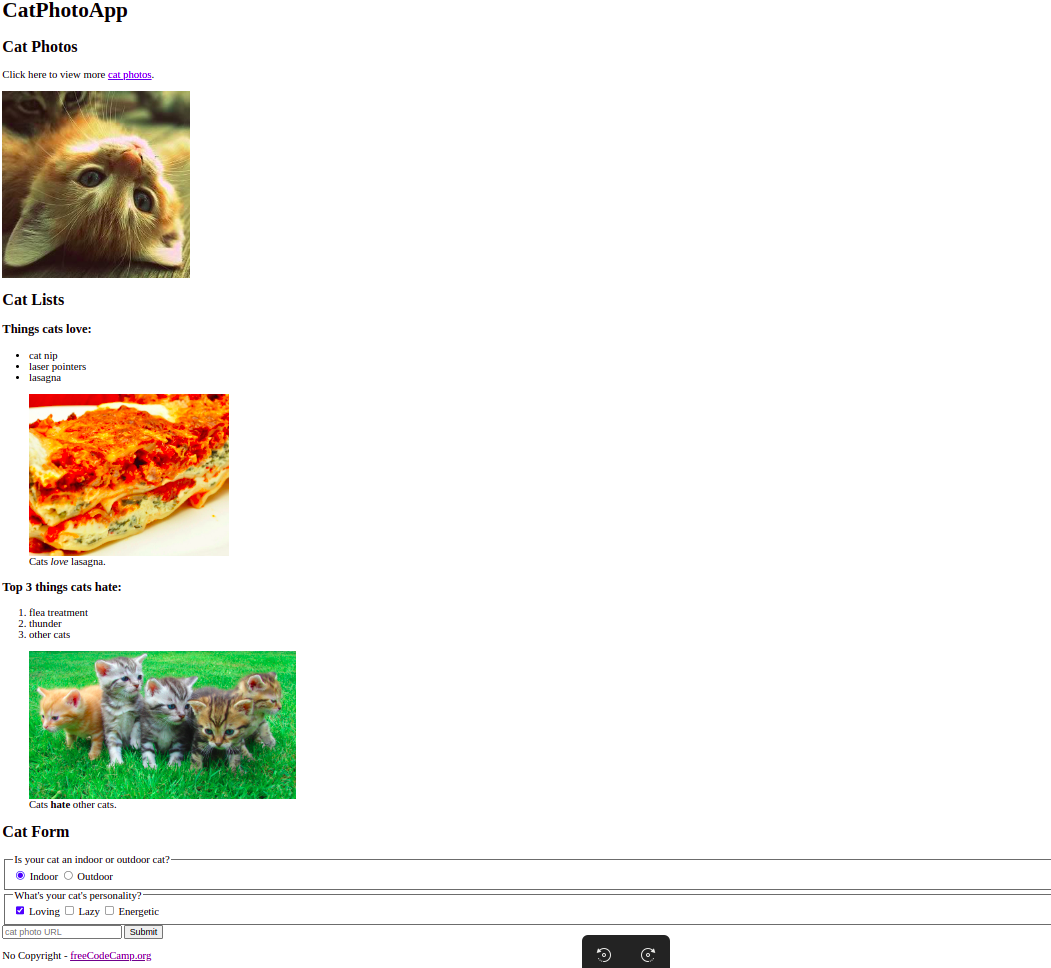
Learn HTML by Building a Cat Photo App

Learn HTML by Building a Cat Photo App

HTML tags give a webpage its structure. You can use HTML tags to add photos, buttons, and other elements to your webpage. In this course, you'll learn the most common HTML tags by building your own cat photo app.

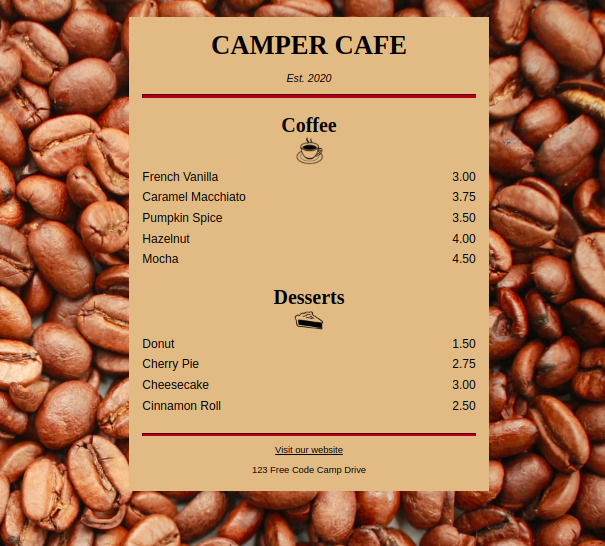
Learn Basic CSS by Building a Cafe Menu

Learn Basic CSS by Building a Cafe Menu

CSS tells the browser how to display your webpage. You can use CSS to set the color, font, size, and other aspects of HTML elements. In this course, you'll learn CSS by designing a menu page for a cafe webpage.

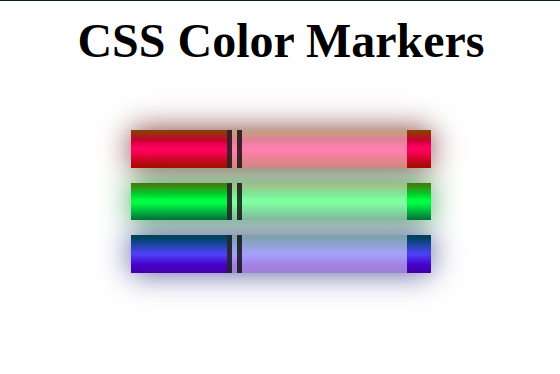
Learn CSS Colors by Building a Set of Colored Markers

Learn CSS Colors by Building a Set of Colored Markers

Selecting the correct colors for your webpage can greatly improve the aesthetic appeal to your readers. In this course, you'll build a set of colored markers. You'll learn different ways to set color values and how to pair colors with each other.
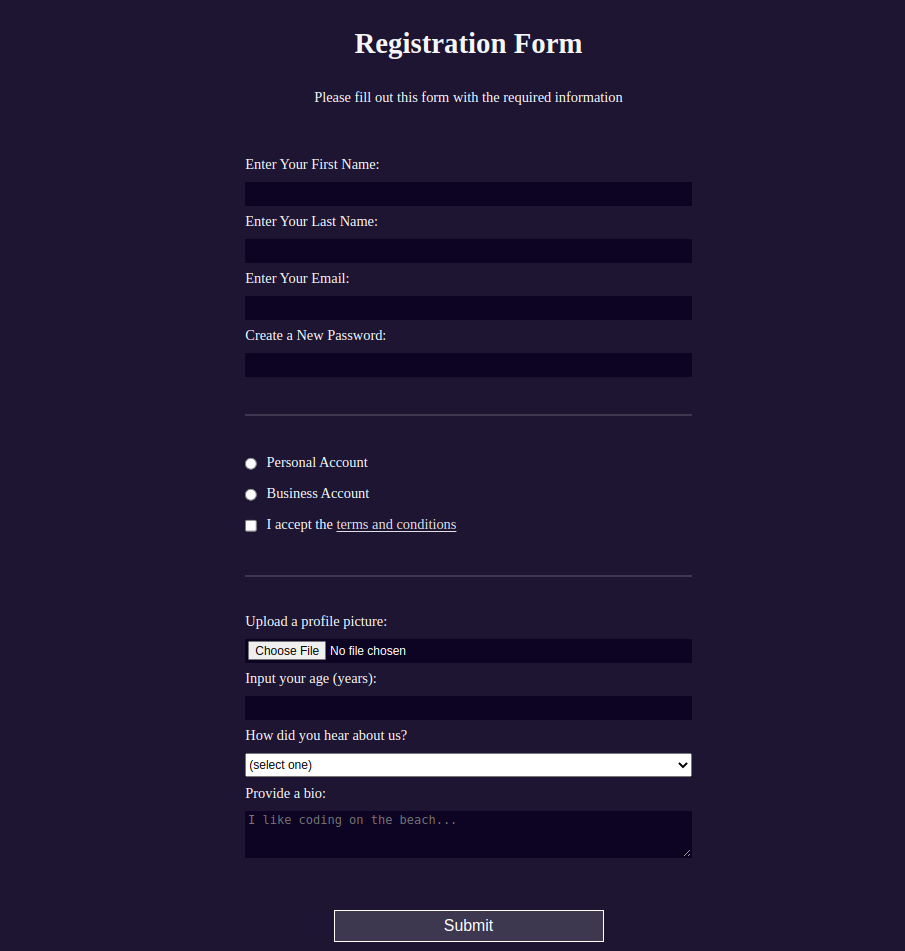
Learn HTML Forms by Building a Registration Form

Learn HTML Forms by Building a Registration Form

You can use HTML forms to collect information from people who visit your webpage. In this course, you'll learn HTML forms by building a signup page. You'll learn how to control what types of data people can type into your form, and some new CSS tools for styling your page.